Top 10 DIY computer repairs
1. Replacing or Adding RAM easily.
Issue: Facing Slow performance or frequent crashes.
Fix: Open your PC case or laptop back panel, locate the RAM slots, and either replace the existing RAM or add new sticks. Ensure compatibility with your motherboard.
2. Replacing a Faulty Hard Drive
Issue: Computer won’t boot, frequent crashes, or corrupted data.
Fix: Back up your data, then replace the faulty drive with a new one. Reinstall the operating system and restore your data.
3. Cleaning or Replacing Cooling Fans
Issue: Overheating, loud noises.
Fix: Open the case, clean the dust from the fans using compressed air, or replace the fan if it’s malfunctioning.
4. Reinstalling the Operating System
Issue: Persistent software issues, frequent crashes, or slow performance.
Fix: Back up your data, create a bootable USB drive with the OS, and reinstall the system, then restore your data.
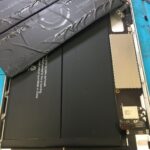
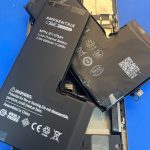
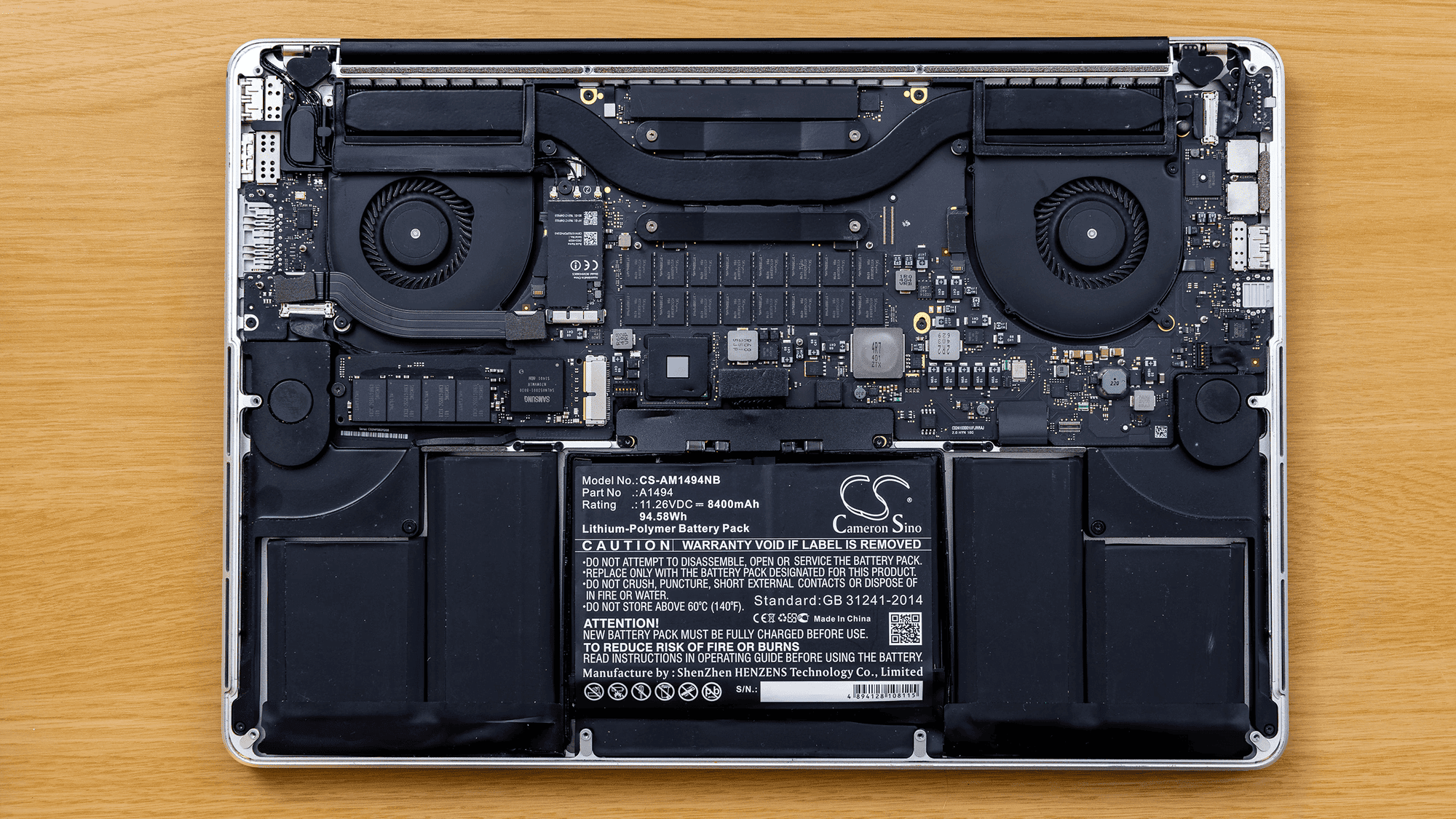
5. Replacing a Laptop Battery
Issue: Short battery life, laptop doesn’t power on without being plugged in.
Fix: Buy a compatible replacement battery, open the back panel, and swap out the old battery.
6. Fixing Keyboard Issues
Issue: Unresponsive keys, sticky keys, or non-functional keyboard.
Fix: Clean the keyboard with compressed air or replace individual keys. For more severe issues, consider replacing the entire keyboard.
7. Replacing a Faulty Power Supply Unit (PSU)
Issue: Computer doesn’t power on, frequent random shutdowns.
Fix: Open the case, disconnect the old PSU, and install a new one with the appropriate wattage.
8. Troubleshooting and Replacing the Graphics Card
Issue: Display problems, poor gaming performance, or no display.
Fix: Open the case, remove the old graphics card, and install a new one. Ensure that your power supply can handle the new card’s requirements.
9. Fixing or Replacing a Cracked Laptop Screen
Issue: Visible cracks, no display, or flickering screen.
Fix: Carefully remove the bezel, disconnect the old screen, and install a new one. Ensure the replacement screen is compatible.
10. Cleaning or Replacing the Optical Drive
Issue: CD/DVD won’t read or write, or the drive won’t eject.
Fix: Clean the lens with a cleaning disc or replace the drive if it’s faulty.
These fixes require basic tools like screwdrivers, compressed air, and thermal paste.
Conclusion
DIY computer repairs can be a cost-effective way to maintain and extend the life of your PC or laptop. By tackling issues like slow performance, hardware failures, or overheating on your own, you not only save money on professional repairs but also gain valuable skills. While some fixes are straightforward, such as replacing RAM or a hard drive, others may require more patience and care, like dealing with a cracked laptop screen. With the right tools and a bit of confidence, you can handle many common computer problems at home, keeping your device running smoothly and efficiently. For professional computer repairs repairs, visit Maple Laptop Services. Our experienced technicians specialize in diagnosing and fixing hardware issues to get your gaming rig back in top shape.