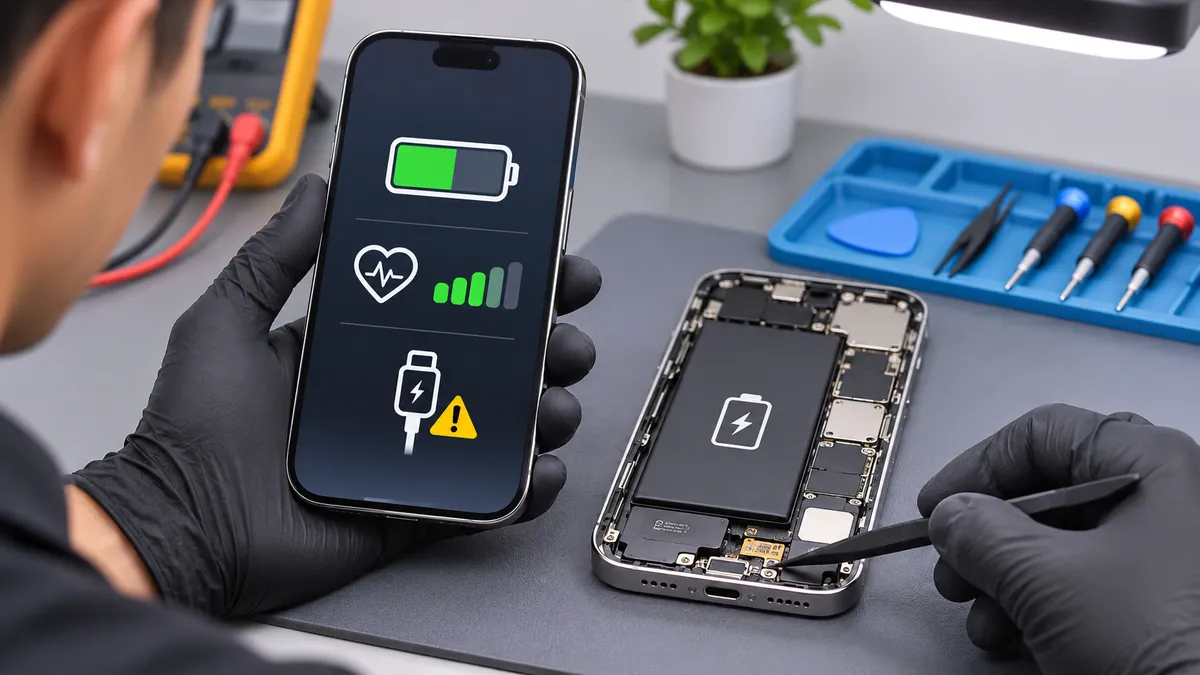
Seeing an iPhone battery health warning, unexpected shutdowns, or trouble charging? Those symptoms are related, but they are not the same diagnosis. A worn battery can shorten runtime and affect performance; a cable, charging port, temperature, software or power-circuit problem can interrupt charging even when the battery is reasonably healthy. The useful first step is to identify what the phone is actually reporting rather than buying a replacement battery on a guess.
This guide is for iPhone owners in Richmond Hill and the GTA who want to make safe, informed repair decisions. It focuses on battery-health messages versus charging faults, not general battery-saving tips or at-home component replacement.
On this page: Read the message · Separate the symptoms · Safe checks · When to seek diagnosis.
1. What does an iPhone battery health warning actually mean?
Battery health is an estimate of how much charge the battery can hold compared with when it was new. It is not a meter that directly tests a charging connector or confirms that the logic board is healthy. Depending on the model and iOS version, battery information can appear under Settings → Battery, including a Battery Health or Battery Health & Charging section. Use the wording shown on your own device, rather than assuming every iPhone has the same menu.
A service-related battery message can point to reduced battery capability or a battery whose information cannot be verified. Those situations are not interchangeable. If the phone shows a message about an unknown or unverified part, check Settings → General → About → Parts and Service History on compatible models. Apple’s repair-history guidance explains that messages may relate to component verification or expected operation; they do not, by themselves, tell you whether the charge port is broken.
What about 80% maximum capacity? It is a useful reference for battery wear, not a universal rule that mandates immediate replacement. Apple uses a below-80% condition for certain AppleCare battery-service eligibility; the symptom pattern, device condition and coverage still matter. A phone at a higher reported capacity can have a separate charging problem, and a low capacity reading does not prove the charging port is faulty.
2. Is this battery wear, poor charging, or a different fault?
| What you notice | What it may suggest | Useful next step |
|---|---|---|
| Battery runs down quickly but charging is consistent | Battery wear, heavy app activity or settings | Check battery usage and health information; compare with your normal workload |
| Phone only charges if the cable is held at an angle | Cable or connector damage; port contamination is another possibility | Stop forcing the plug; compare with a known-good compatible cable and adapter |
| Phone charges wirelessly but not through the connector | Possible wired charging-path issue, but not definitive | Confirm compatible accessories and obtain a charging-path assessment |
| Battery level changes abruptly or phone shuts down under load | Battery condition or another power-related fault | Record the symptoms and request diagnosis rather than pre-ordering a part |
| Phone or battery looks swollen, unusually hot, or physically damaged | Potential safety risk | Discontinue use and charging; arrange qualified service without opening the phone |
No single symptom in this table guarantees a particular repair. Heat, settings and damaged accessories can complicate the picture. A shop should test the fault before recommending a component.
3. Five safe checks before assuming the battery needs replacing
Check the exact warning and model
Take note of the warning’s wording and your iPhone model. If the device has already been repaired, the Parts and Service History screen may give useful context. Avoid dismissing a message solely because the phone still switches on.
Compare battery runtime with charging behaviour
Does the phone consistently accept a cable but run out of charge much sooner than it used to? Or does it fail to accept charge even after you try a compatible accessory? These are different investigation paths. Battery-life graphs can help establish a pattern, but are not a substitute for testing the charging hardware.
Try one known-good, compatible charging setup
If safe to do so and the device is not damaged or overheated, compare a compatible cable, adapter and accessible power outlet. Don’t keep bending a loose plug or probing inside the port with metal tools. Apple provides device-specific charging guidance; follow the instructions for your model.
Account for charging limits and temperature
Optimized Battery Charging or a configured charge limit may deliberately change when charging completes. This can look like a fault when the phone is actually following a setting. If the iPhone is very hot or shows a temperature warning, let it return to an appropriate operating temperature and follow Apple’s safety instructions.
Protect your data before service
If the phone is operating normally and there is no safety concern, make a current backup before arranging repair. If it is swollen, damaged, or overheating, do not keep using or charging it just to finish a backup; safety comes first. Ask the provider what tests are necessary and whether any work could affect data access.
4. What should a battery or charging diagnosis tell you?
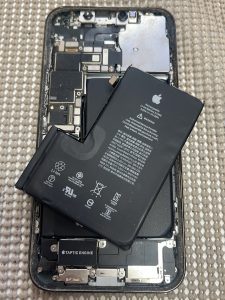
An appropriate assessment separates battery condition, cable/adapter behaviour, the physical connector and the charging electronics. Depending on the fault, a technician may also consider whether liquid exposure, a previous repair or a damaged board is relevant. That is more useful than choosing a replacement part based solely on a percentage shown in Settings.
Ask what evidence supports the recommended repair, whether the phone has one fault or more than one, which part is proposed, and what is included in the estimate. A responsible answer may be that further tests are needed. Avoid promises of a fixed turnaround, a universal repair cost or guaranteed data preservation before inspection.
5. When an iPhone battery health warning or charging fault needs a Richmond Hill diagnosis
Book an assessment when charging remains intermittent with suitable accessories, the phone unexpectedly switches off, battery warnings persist alongside daily-use problems, or the device shows possible physical damage. If swelling or heat is involved, stop using and charging the phone and seek qualified service promptly.
Maple Cell Phone & Laptop Repair handles iPhone and mobile-device repair enquiries at 360 Newkirk Rd, Unit 2, Richmond Hill, Ontario. To discuss your model and symptoms, see the iPhone repair service page or contact the Richmond Hill shop. You can also call 416-587-7105. A diagnosis is needed to confirm the repair; this guide is not a remote assessment of your specific device.
Battery warning versus charging fault: a practical symptom log
Before booking a repair, keep a short record of what happens under ordinary, safe use. Write down the exact iPhone model, iOS version, wording of the battery message, approximate battery percentage when an unexpected shutdown occurs, and whether the problem appears with more than one known-good charging setup. These observations are more useful than a single battery-health percentage.
| Observation | Why it matters | Reasonable next step |
|---|---|---|
| Battery drains quickly but charging remains consistent | Battery wear, app activity and settings deserve attention | Review Battery settings and service information |
| Charging stops when the cable moves | The cable, connector or physical port may be involved | Stop forcing the plug; request a port inspection |
| Unexpected shutdowns occur despite a displayed charge | Power delivery or battery condition may need testing | Back up safely and request a diagnostic assessment |
| Phone becomes unusually hot or shows swelling | Potential physical safety issue | Stop using and charging; seek qualified help |
What to ask before authorizing battery replacement
Ask whether the technician has distinguished battery wear from a damaged charging port, accessory fault and board-level power issue. Confirm what testing is included, whether the quoted repair addresses the verified symptom, and how data will be protected. A replacement battery cannot correct every charging problem, and a healthy-looking percentage cannot rule out every power fault.
Do not attempt to open, puncture or heat a lithium-ion battery. If the device is safe to operate, make a current backup before handing it over. This information helps you describe the problem accurately; it does not replace inspection of the specific phone.
Choosing the right repair path when battery health and charging symptoms overlap
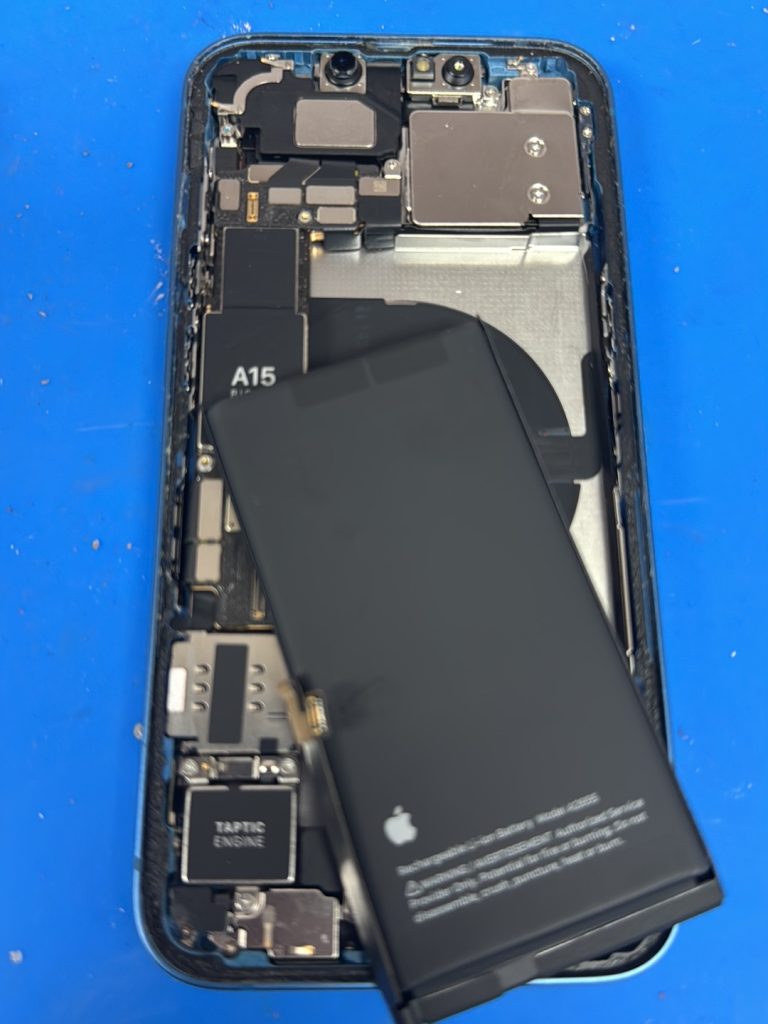
Some symptoms justify a battery condition check; others call for inspection of the power connection or charging system. A visible iPhone battery health warning is useful evidence, but it should be evaluated alongside how the phone actually behaves. Replacing a battery solely because charging has stopped can leave an unrelated connector or power fault unresolved.
When runtime is the main complaint
Record an ordinary day of use: approximate screen time, whether the device becomes hot under light workloads, and whether it shuts down at a percentage shown on the screen. Compare several normal days rather than one unusually heavy day of navigation, camera use or weak cellular reception. Unexpected shutdowns and poor runtime can be consistent with battery ageing, but power-management or software conditions may also matter. The health figure is an estimate, not a standalone test report.
When a charging cable works only at one angle
If a cable must be held in one position to maintain power, do not keep bending it or forcing the connector. Try an intact, compatible cable and suitable power adapter on a stable surface. If the problem persists, the connector, debris or damage to the charging path may be involved. Do not insert metal tools into the port or pour cleaning liquid into it. A battery swap cannot be assumed to correct a mechanically intermittent connection.
When charging appears to stop before 100%
Check whether a charge limit, optimized charging or temperature management is active on the particular model and iOS version. Some charging behaviour is intentional to manage battery wear or thermal conditions. A charging pause is more concerning when accompanied by unusual heat, swelling, repeated shutdowns or liquid damage. For those warning signs, stop charging and ask for qualified help rather than forcing additional charge cycles.
What should be confirmed before and after service?
- Is the proposed repair based on an observed symptom and a repeatable test, not just a percentage?
- Was the charging accessory or connector ruled out where practical?
- Will any replacement part affect component-history messages or available battery-health information on the device?
- Can the shop verify normal charging and stable basic operation after service?
Keep a current backup if the device is safe to operate, and remove any physical case or accessory that obscures damage before the appointment. If you are comparing a battery quote with a charging-port inspection, ask what each option includes and what the technician has actually diagnosed. The aim is an appropriate repair with clear limits—not a promise that one part will fix every battery or charging complaint.
If the iPhone battery health warning appeared after a previous repair
Record when the message first appeared, the approximate date of any past battery replacement, and the wording in Parts and Service History, if available on your model. Component-verification messages and reduced maximum capacity can have different meanings. An iPhone battery health warning after service should prompt a review of the repair record and actual device behaviour rather than an automatic second battery replacement. Ask whether the shop can verify the installed part, charging operation and any additional symptoms without making assumptions about work performed elsewhere.
Frequently asked questions
Does a Service warning always mean my iPhone needs a new battery today?
No. It is a reason to review the device’s condition and service options, not a way to diagnose every charging or power fault. If it is functioning normally, the urgency differs from a phone with swelling, excessive heat or repeated shutdowns.
My iPhone battery health looks fine. Why won’t it charge?
The charging path includes the cable, adapter, connector and internal electronics. A health estimate does not prove those components work. Start with safe accessory checks; have recurring faults assessed.
Will a battery replacement fix an iPhone that only charges at one cable angle?
Not necessarily. That symptom often calls for inspection of the connector, accessory fit and charging path. Replacing a battery without diagnosis may leave the original fault unresolved.
Is an Unknown Part message proof that the battery is unsafe?
No. Apple’s Parts and Service History explains that part-verification messages have several possible causes. They merit proper investigation; safety concerns such as visible damage, swelling or abnormal heat should be treated separately.
Can I follow advice from a video to open the phone myself?
Battery handling can be hazardous. Apple advises trained technicians for battery repair. Do not puncture, heat, pry or compress a suspect battery.