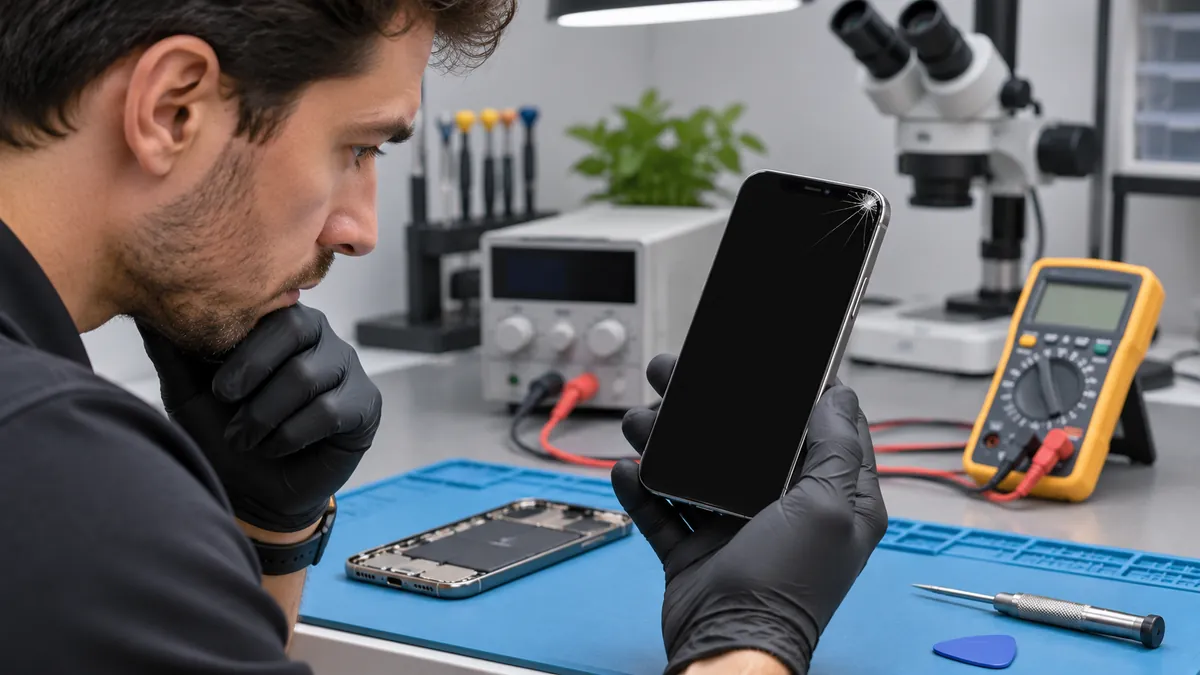
An iPhone black screen can appear after a drop, even when the phone is still running. A fall can affect the display, a connector or the power system. You may hear notification sounds, feel vibration, or get nothing at all. Those very different symptoms can look identical from the outside. A black screen after a drop is not automatically a dead battery, and it is not automatically a display that needs replacing.
This guide helps Richmond Hill iPhone owners make a few safe observations before arranging a repair. It does not teach you to remove a screen or perform electrical tests inside the phone. If the device is bent, crushed, punctured, unusually hot, wet or visibly swollen, stop using and charging it and seek qualified assistance.
Jump to: The symptom clues · Low-risk checks · Display vs power fault · Richmond Hill diagnosis.
1. iPhone black screen: signs of display versus power faults
Does the iPhone still ring when someone calls? Are notifications audible? Does a known Apple logo ever appear? Is the front glass cracked, the image flickering, or the phone entirely silent? Note the observations rather than immediately purchasing a replacement screen.
| Observed symptom | Possible explanation | What not to assume |
|---|---|---|
| Screen black, but calls or alert sounds still arrive | The phone may be running while its display path is affected | That every display component is the only issue |
| Screen dark and the phone has no response | Battery, charging, power control or board damage are possibilities | That the battery alone needs replacing |
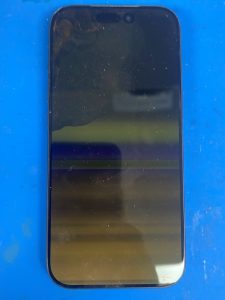
| Image flashes or coloured lines appeared after impact | Display assembly or its connection may be affected | That software will fix physical screen damage |
| Glass cracked but the image and touch still work | Physical glass damage without immediate full display failure is possible | That ignoring damaged glass is risk-free |
| The back or frame is bent, warm or visibly damaged | Potential internal damage and safety concerns | That continued charging or DIY opening is safe |
Sound or vibration is useful context, not a laboratory test. A repair assessment still needs to account for a dropped connector, display assembly, battery and other internal circuitry.
2. Low-risk checks if the phone is not physically unsafe
Look for physical damage without pressing on it
Inspect the screen, frame and charging area visually. If the glass is sharp, cracked or shifting, avoid touching the damaged area. Do not try to straighten a bent phone, compress a bulging screen or force a charging plug. Apple advises discontinuing use when phone or battery damage is suspected.
Listen for signs that the phone remains on
If someone safely calls your number and the phone rings, the phone may still be operating even though the image is absent. This is not conclusive: notification settings, mute mode, lack of signal and other factors can change what you hear. Do not repeatedly trigger alarms or use emergency services to test a damaged device.
Try the official force-restart sequence only when appropriate
For a device that appears intact and is not hot, wet or swollen, Apple’s model-specific restart instructions are a reasonable early step. On many iPhones with Face ID, quickly press Volume Up, quickly press Volume Down, then hold the Side button until an Apple logo appears. Button combinations differ for older models; follow Apple’s instructions for the exact model. If the phone has signs of hazardous damage, stop rather than forcing repeated restarts.
Do not confuse a discharged battery with a broken screen
If the device is physically intact, a compatible charging setup may help establish whether it was simply discharged. Apple’s support article describes charging and restart steps for an iPhone that will not turn on. Do not leave a damaged or overheating iPhone on charge as a diagnostic experiment.
Preserve data where safely possible
If the display intermittently returns and the phone is otherwise safe to use, consider making a current backup before service. If the phone cannot be operated safely, prioritise assessment rather than attempting data recovery through improvised connections. Screen repair and data access are related but distinct concerns.
3. When is the screen more likely than the battery or board?
A phone that audibly responds to calls yet never shows an image raises the possibility of a display-path fault. Following a drop, a damaged display assembly or connection may be involved. However, the impact may have affected more than one part, and software behaviour cannot reliably identify the damaged component from a distance.
A phone that shows no sound, no vibration and no image creates a broader diagnostic question. Charging, battery condition and internal power circuitry may need attention, but there is no reliable way to choose the replacement part from that symptom alone. A technician should explain how the observed fault was isolated.
Touch not working is a different issue from a completely black image. Apple’s support guidance recommends basic checks for intermittent touch response; persistent faults can need service. A damaged front glass can also be hazardous even if the display still works.
4. What should be checked before authorizing a screen replacement?
- Device condition: cracks, impact marks, bent frame or signs of liquid ingress.
- Display behaviour: whether any backlight/image, logo, lines or touch response appears.
- Power and charge behaviour: whether the device stays on or shows charging indications under safe test conditions.
- Prior repair: whether the phone previously had a screen, battery or board replacement.
- Data priority: what information the owner needs and whether a proposed repair could affect access.
Ask whether the diagnosis supports a display-only fix or whether other components still need evaluation. No responsible shop can promise an exact repair price, timeline or guaranteed preservation of data for an unseen damaged phone.
5. Common mistakes to avoid
A video demonstrating a different iPhone model may not match yours. Improper prying can damage fragile connections or batteries. A hard reset can change or erase information, so it should not be an initial response to possible impact damage. Likewise, continuing to charge a physically compromised device can create risks. Choose manufacturer guidance and professional assessment over repeated trial-and-error.
Do not assume a screen is “fixed” because the Apple logo appears once, or that a dark screen is a failed processor. An intermittent fault may return, and damaged glass or frame still needs an inspection.
6. iPhone black screen after a drop: diagnosis near Richmond Hill
Maple Cell Phone & Laptop Repair accepts device-repair enquiries at 360 Newkirk Rd, Unit 2, Richmond Hill, Ontario. Explain the model, the nature of the drop and whether sounds, vibration or charging behaviour changed. Visit the iPhone repair service page, contact the Richmond Hill shop, or call 416-587-7105 to discuss assessment options.
If your iPhone’s glass is cracked but the screen still shows an image, our separate cracked-but-working display guide covers that situation. This article is deliberately about blank-screen diagnosis after impact, not a catalogue of screen replacement prices.
iPhone black screen after a drop: what the symptom pattern can and cannot prove
An iPhone black screen after a drop does not, by itself, tell you whether the display, power system or internal connection is damaged. A phone that vibrates, rings or appears in a trusted computer may still be operating without a usable image. Conversely, a phone with no visible response could be discharged or have another fault. None of these observations is a definitive parts diagnosis.
| What you observe | What it suggests | Safe response |
|---|---|---|
| Incoming calls or notifications still sound | Some device functions may remain active | Record the symptom; avoid repeated button combinations |
| Glass is cracked or frame is bent | Physical damage may extend beyond the visible screen | Avoid pressure, heat and opening the phone |
| Phone is hot, swollen, wet or smells unusual | Possible battery or liquid-damage hazard | Stop using and charging it; seek qualified help |
| Screen works briefly, then goes black again | Intermittent display or power behaviour needs assessment | Back up promptly if it can be done safely |
Protecting photos and account access before a screen repair
If the phone can still be operated safely, verify whether a recent iCloud or computer backup exists. Do not repeatedly force restarts or attempt a factory reset in the hope of repairing impact damage. Ask the repair provider whether the proposed procedure requires unlocking the device, whether data access is necessary, and what risks apply if additional internal damage is found.
When seeking a quote, explain the model, where the phone was struck, whether the screen ever shows an image and whether it still makes sounds. These details help the technician plan an inspection without promising that a display replacement alone will solve the issue.
What an iPhone black screen can reveal before any parts are replaced
An iPhone black screen after impact creates two separate questions: is the phone operating, and is the display able to show its output? A useful inspection separates those questions before anyone recommends a screen, battery or board repair. The observations below are clues rather than certainty; hidden impact damage cannot be ruled out from the outside.
Sound or vibration is present, but there is no visible image
A ringing phone, notification chime or vibration suggests at least some functions may remain active. Record when those signs occur and whether the display ever flashes, shows lines or changes brightness. Avoid repeated blind passcode entry, which can create lockout problems. Even when the phone responds to a call, a technician should assess the display assembly and related connections before concluding that a screen replacement alone is sufficient.
Nothing responds, including calls and normal charging indicators
This pattern can involve more than the display. A discharged battery, charging problem or internal power-system damage can resemble a screen failure. If the housing is bent, hot, swollen, pierced or wet, stop testing and do not connect it to a charger. On an otherwise intact device, model-appropriate official restart guidance may be worth trying once; it is not a repair for damaged components.
The screen shows an image briefly and then goes dark
Describe whether an Apple logo, lines, coloured areas or backlight appears before the screen becomes blank. Note whether the behaviour changes when the phone is moved, but do not twist the frame or press the display to make it respond. Intermittent operation after a drop is a reason for careful diagnosis, not for aggressive do-it-yourself testing.
Data and privacy should be part of the repair decision
A physically damaged display does not automatically mean the photos or files are gone. If your iPhone is already backed up, mention the backup and whether access to data is your first priority. If it is not backed up, ask the shop how it plans to inspect the phone while minimizing unnecessary data-risk steps. Avoid factory resets, device erasure or repeated passcode guesses as a first response to a blank screen.
- Ask whether the quoted repair covers a confirmed display fault or only a diagnostic assumption.
- Confirm whether additional frame, connector or internal damage was observed.
- Ask how touch, display, calls and charging will be tested after service.
- Request an explanation before any action that could erase data.
A careful assessment of an iPhone black screen weighs the impact history, physical condition and repeatable symptoms together. A quick guess based on a photograph can lead to the wrong part being replaced.
Frequently asked questions
My iPhone still rings but the screen is black. Is it definitely the display?
No. It suggests the device may still be operating, but a technician must check the display path and any related impact damage before identifying the part to repair.
Can force restarting fix a black screen after a drop?
It can resolve certain unresponsive-device states on an otherwise safe phone, but it cannot repair cracked glass, a damaged display connector or a physically broken component. Use Apple’s steps for your model.
Should I connect the iPhone to a charger right away?
Only if there are no signs of battery or physical safety damage. If the device is bent, wet, swollen, unusually hot or otherwise damaged, avoid charging and obtain qualified service.
Could a replacement screen erase my photos?
A display replacement is not inherently a request to erase storage, but a severely damaged device may have additional faults. Ask the provider about data risks before repair and make a backup if the device can be used safely.
Is a black display the same as a broken touchscreen?
No. A working image with poor touch response is a different symptom from no image. They can have overlapping causes, but the diagnosis must distinguish them.