10 years in Hard Drive Data Recovery Toronto: Professional Data Recovery for Hard Disk, SSDs, iPhones and More
Losing important files can be stressful, especially when a hard drive, computer, iPhone, SSD, SD card, or external storage device suddenly stops working. Whether you have lost family photos, school assignments, financial records, customer information, business documents, or personal videos, professional hard drive data recovery Toronto services may help retrieve your valuable information.
Maple Cell Phone and Laptop Repair provides professional data recovery services for customers in Toronto, Richmond Hill, Vaughan, Markham, Thornhill, Maple, Aurora, Newmarket, King City, Woodbridge, Concord, North York, and communities throughout York Region. Since 2014, our technicians have diagnosed damaged storage devices, non-working computers, failed smartphones, and liquid-damaged electronics to determine the safest available recovery solution.
This complete guide explains common causes of data loss, the devices that may be recoverable, warning signs of drive failure, what to avoid after losing files, and when to visit a professional data recovery service near you.
What Is Data Recovery?
Data recovery is the process of retrieving files from a storage device that is damaged, inaccessible, corrupted, accidentally formatted, or no longer recognized by a computer. A professional technician evaluates whether the problem is caused by software corruption, electronic failure, physical damage, firmware issues, damaged connectors, or internal mechanical failure.
Customers often search online for data recovery Toronto, Toronto data recovery, or data recovery services near me after discovering that a device will not open. The correct recovery method depends on the type of storage device and the nature of the failure.
Data may be stored on many different devices, including:
- Desktop and laptop hard disk drives
- Portable and external hard drives
- Solid-state drives and NVMe SSDs
- Apple iPhones and Android smartphones
- SD, microSD, and camera memory cards
- USB flash drives
- MacBook and Windows computer storage
- Network storage and backup devices
Not every data-loss situation can be solved, but proper diagnosis can determine whether files remain accessible and which recovery method offers the best chance of success.
Common Causes of Data Loss
Storage devices can fail without warning. However, many failures begin with small signs that users overlook. Understanding the cause of the problem helps prevent further damage.
Accidental Deletion or Formatting
Files may disappear after accidental deletion, formatting, partition changes, an operating-system installation, or an incorrect transfer. In some cases, deleted data remains recoverable until new information overwrites the original storage sectors.
Hard Drive Mechanical Failure
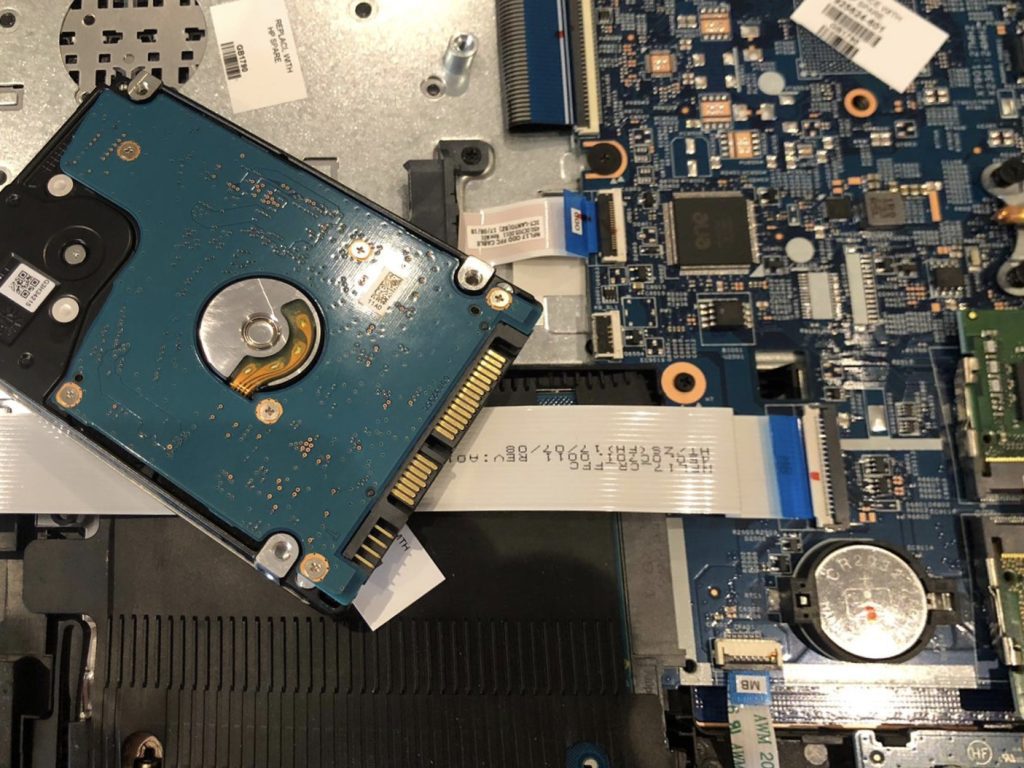
Traditional hard disk drives contain moving internal components. Dropping the drive, exposing it to vibration, or allowing it to overheat can damage its read-and-write mechanism. A clicking, grinding, beeping, or repeated spinning sound may indicate mechanical failure.
Electronic or Circuit Board Damage
Power surges, damaged USB ports, faulty power adapters, liquid exposure, and short circuits can damage a drive’s electronic board. A technician providing a hard disc recovery service must determine whether the problem affects the controller, connector, power circuit, firmware, or internal storage components.
Liquid and Water Damage
Liquid damage can affect computers, external drives, phones, and storage devices. Corrosion may continue developing after the outside of the device appears dry. Immediate professional inspection is recommended because repeatedly powering on a liquid-damaged device may cause additional electrical damage.
File-System Corruption
Unexpected shutdowns, malware, interrupted updates, unsafe drive removal, and failing storage sectors may corrupt the file system. The device may appear in the computer but request formatting or display an error when opened.
Phone Motherboard Failure
An iPhone may contain valuable information even when it will not turn on. The problem may involve the battery, charging circuit, display, storage communication, power-management circuit, or motherboard. Professional iPhone motherboard data recovery may require board-level repair before the phone can operate long enough to access its data.
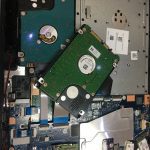
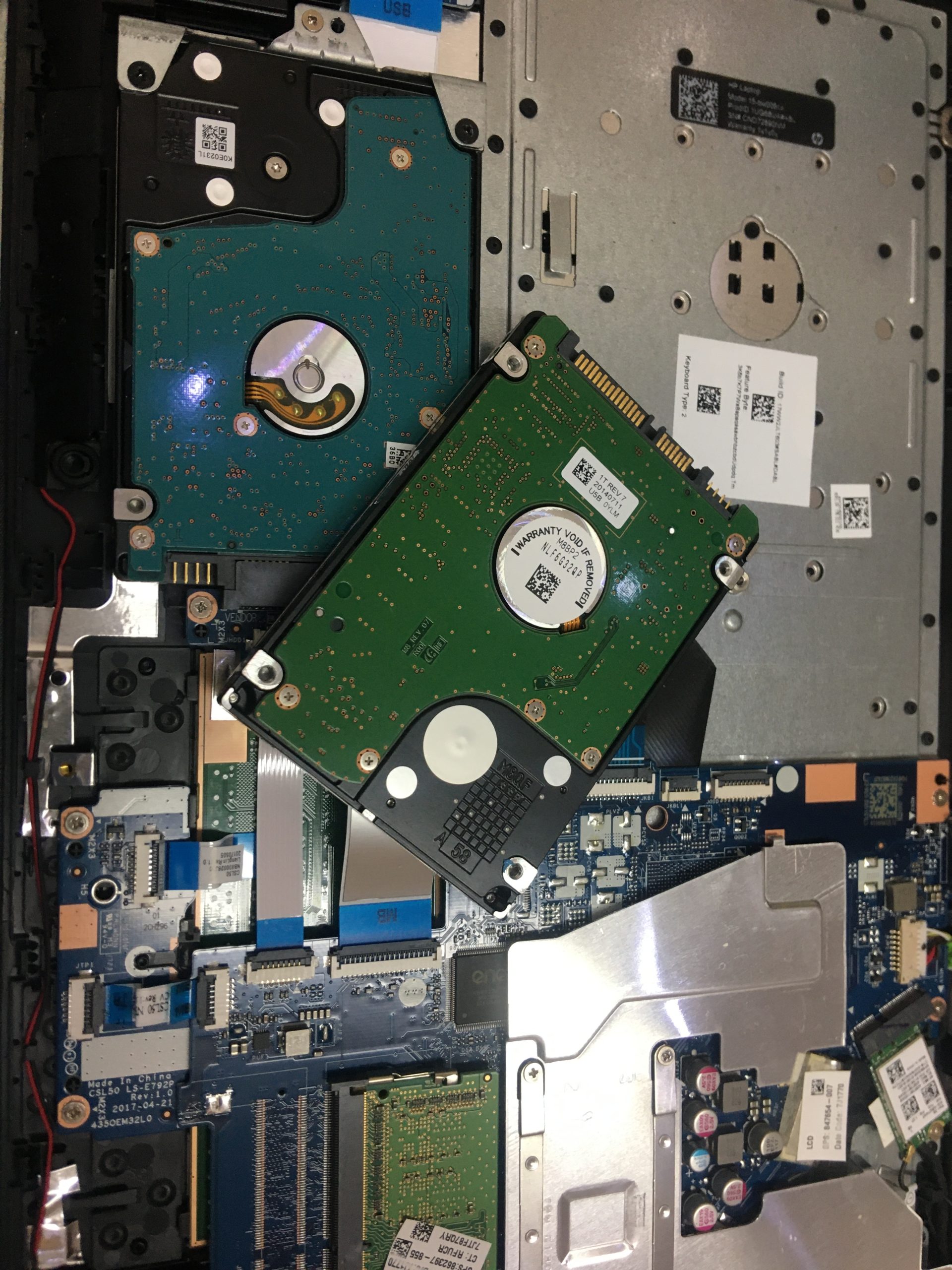
Hard Drive Data Recovery and Hard Drive Repair Near Me
A hard drive can fail because of logical corruption, damaged sectors, electronic failure, physical impact, age, overheating, or mechanical wear. When customers search for hard drive repair near me or hard drive recovery near me, they may need either a functional repair, file recovery, or both.
A professional assessment may include:
- Checking whether the drive receives proper power
- Testing USB, SATA, and power connections
- Inspecting the external enclosure or adapter
- Checking whether the device is detected
- Evaluating drive health and bad sectors
- Testing file-system accessibility
- Creating a safe image or clone when possible
- Recovering files from the duplicate instead of stressing the original drive
When searching for a hard drive recovery service, choose a provider that explains the diagnosis before performing unnecessary operations. Repeated scans, formatting attempts, or software installations on a failing drive can reduce the chance of recovery.
External Hard Drive Repair Near Me
External hard drives commonly fail because of damaged USB connectors, broken cables, faulty enclosures, controller-board issues, power problems, corrupted partitions, or internal drive failure. A drive that does not appear on one computer should first be tested with a compatible cable and another safe USB port. However, if the drive clicks, disconnects repeatedly, becomes unusually hot, or stops spinning, discontinue use.
Professional external hard drive repair near me services can determine whether the fault is in the USB enclosure or the internal hard disk. Sometimes, replacing or bypassing a damaged enclosure restores access. In other cases, professional external hard drive recovery near me is required to retrieve the files safely.
Our technicians provide assessment for customers looking for Toronto hard drive recovery, hard drive recovery Toronto, and hard drive data recovery near me. Recovery success depends on the condition of the media and whether the data has been overwritten or physically damaged.
Hard Disk Recovery Near Me
The terms hard disk and hard drive are often used interchangeably. Customers searching for hard disk recovery near me or a hard disc recovery service may have an internal desktop drive, laptop drive, surveillance drive, portable hard drive, or backup disk that no longer works.
Do not open a mechanical hard drive at home. Dust, fingerprints, moisture, and improper handling can damage its sensitive internal surfaces. A physically damaged drive may require specialized handling beyond ordinary computer repair procedures.
SSD Data Recovery Near Me
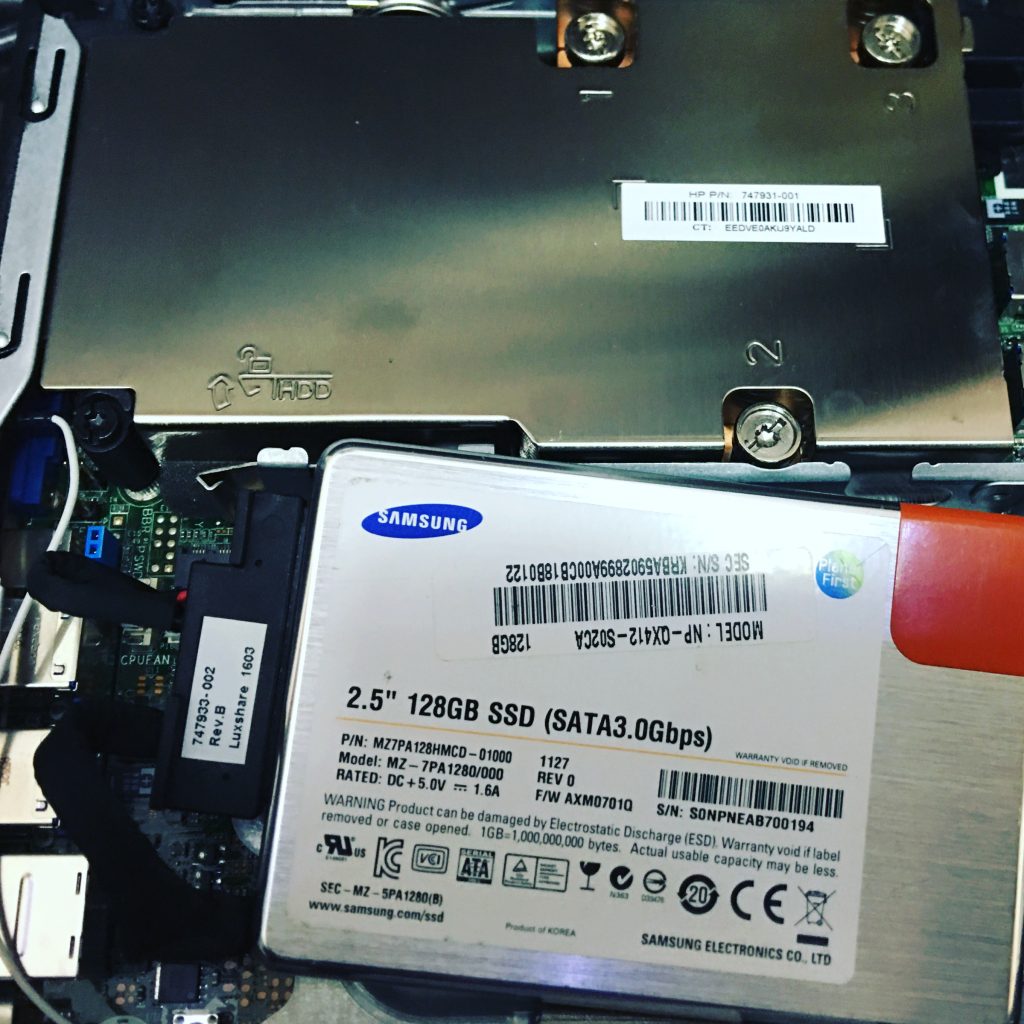
Solid-state drives are faster and quieter than mechanical hard disks because they do not contain moving parts. However, they can still fail because of controller damage, degraded flash memory, firmware problems, power surges, damaged connectors, overheating, or electronic short circuits.
Common symptoms of SSD failure include:
- The computer no longer detects the SSD
- The operating system does not start
- Folders disappear or become unreadable
- The computer freezes while opening files
- The SSD appears with an incorrect capacity
- The drive suddenly becomes read-only
- The device disconnects during file transfers
Customers searching for SSD data recovery near me should stop installing programs or saving files to the affected drive. Unlike many traditional hard drives, SSDs use functions that may permanently clear deleted storage blocks. Fast action is therefore important.
Our data recovery process begins with diagnosis. If the SSD remains detectable, an image of the accessible data may be created. If it has electronic or controller damage, more advanced examination may be required.
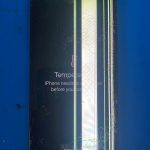
iPhone Data Recovery Toronto and Logic Board Repair
An iPhone can hold years of photos, messages, contacts, notes, documents, and business information. When the phone becomes damaged and no recent cloud backup is available, customers often search for iPhone data recovery Toronto or iPhone data recovery near me.
Possible causes of inaccessible iPhone data include:
- Liquid or water damage
- A failed battery or charging system
- A damaged screen that prevents access
- A broken charging port
- Motherboard short circuits
- Power-management circuit failure
- Physical impact or frame damage
- Repeated restarting or boot-loop problems
- Storage communication faults
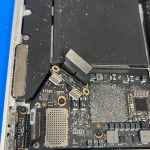
iPhone Logic Board Data Recovery
Modern iPhone data is encrypted and linked to the phone’s original hardware. In many motherboard-failure situations, simply removing a storage chip is not enough to access the information. iPhone logic board data recovery often focuses on repairing the original motherboard so the device can start, recognize its security components, and allow access with the correct passcode.
Our technicians examine the motherboard under magnification, test power lines, check for short circuits, clean corrosion, and perform microsoldering when appropriate. The primary objective may be to restore temporary or stable operation so the customer can create a backup.
iPhone Motherboard Data Recovery
iPhone motherboard data recovery is not the same as an ordinary screen or battery replacement. It may require detailed board-level diagnosis and depends heavily on the extent of damage. A phone that has been severely bent, burned, crushed, or repeatedly repaired may have a lower recovery chance.
If your iPhone is liquid damaged, avoid charging it and do not place it in rice. Rice cannot remove corrosion from the motherboard and may introduce dust into the charging port. Turn off the phone when possible and arrange a professional assessment.
SD Card Data Recovery Near Me
SD and microSD cards are commonly used in cameras, drones, phones, tablets, dash cameras, security systems, and portable devices. They may become unreadable because of physical damage, controller failure, accidental formatting, file-system corruption, counterfeit memory, or unsafe removal.
Signs that you may need SD card data recovery near me include:
- The camera asks you to format the card
- The card appears empty
- Photos display errors or become corrupted
- The computer does not recognize the card
- The card has a cracked casing or damaged contacts
- Files disappear after transfer
Stop using the card immediately after noticing missing files. Continuing to take photos or record videos can overwrite recoverable information. Do not format the card, even if the camera or computer recommends it.
USB Flash Drive Recovery
USB drives can fail because of a broken connector, damaged circuit board, controller failure, short circuit, or corrupted memory. If the connector is bent or loose, avoid moving it repeatedly. Physical movement may tear circuit-board connections and make the recovery more difficult.
Warning Signs That You May Need a Hard Drive Data Recovery Service
Recognizing failure early can protect your files. Contact a professional hard drive data recovery service when you notice any of these warning signs:
- Clicking, grinding, buzzing, or beeping sounds
- A drive that repeatedly connects and disconnects
- Missing folders or corrupted files
- Extremely slow file transfers
- Frequent computer freezing
- “Drive not initialized” or “disk unavailable” errors
- A request to format a drive containing important files
- A computer that no longer starts
- A storage device showing zero or incorrect capacity
- An external drive that was dropped or exposed to liquid
Continuing to operate a failing storage device can increase damage. If the files are important, stop using the device and seek a professional hard drive recovery service near me rather than experimenting with multiple repair programs.
What Not to Do After Losing Important Data
Your actions immediately after data loss can affect the recovery outcome. Avoid the following mistakes:
Do Not Save New Files to the Device
New data may overwrite deleted files. Disconnect the drive or stop using the computer when possible.
Do Not Format the Drive
A computer may ask you to initialize or format an unreadable device. Do not approve this action if the drive contains important files.
Do Not Repeatedly Power On a Clicking Drive
Repeated startup attempts may cause additional internal damage to a mechanical hard drive.
Do Not Open a Hard Drive
Opening a mechanical drive outside an appropriate controlled environment can expose its internal surfaces to contamination.
Do Not Install Recovery Software on the Failed Drive
Installing software directly onto the affected storage device can overwrite the files you are attempting to recover.
Do Not Continue Charging a Liquid-Damaged Phone
Powering or charging a wet phone can create additional electrical shorts. Arrange an inspection as soon as possible.
Why Choose a Professional Data Recovery Service Near Me?
Free recovery applications may be useful for simple deletion on a healthy drive, but they are not appropriate for every situation. A professional data recovery service near me can first determine whether the device has logical, electronic, mechanical, or physical damage.
Professional service offers several advantages:
- Diagnosis before recovery attempts
- Reduced risk of overwriting recoverable data
- Proper handling of damaged storage devices
- Board-level repair options for supported electronics
- Recovery from computers that will not start
- Assistance with phones, SSDs, hard drives, and memory cards
- Clear explanation of available options
When choosing among data recovery services Toronto providers, explain exactly what happened before the device failed. Mention whether it was dropped, exposed to water, formatted, repaired previously, or connected to a faulty power supply. This information helps the technician choose safer diagnostic steps.
Computer Data Recovery Near Me
A computer that does not start may not always have a failed storage device. The problem could involve the motherboard, power supply, charging circuit, RAM, operating system, battery, or display. A computer data recovery near me service can diagnose the entire computer and determine whether the storage remains functional.
When the storage is healthy, the files may be copied after repairing the computer or connecting the drive to compatible equipment. When the drive itself has failed, a separate recovery process is required.
Professional Data Recovery Service Near Me
Maple Cell Phone and Laptop Repair provides diagnostics for hard drives, SSDs, iPhones, computers, laptops, memory cards, and other storage devices. Customers searching for a professional data recovery service near me can bring the damaged device to our Richmond Hill repair shop for assessment.
Data Backup and Recovery in Aurora, Richmond Hill and the GTA
The best protection against data loss is a reliable backup plan. Customers searching for data backup and recovery Aurora services should consider storing important files in more than one location.
A practical backup strategy may include:
- One working copy on your computer
- One backup on an external drive
- One additional cloud or off-site backup
Disconnect backup drives when they are not in use to reduce exposure to malware, power surges, accidental deletion, and ransomware. Test backups regularly to confirm that files can actually be opened.
Businesses should also document which files are critical, how often backups occur, who is responsible for checking them, and how quickly information must be restored after an emergency.
Toronto Data Recovery Services for Toronto and York Region
Our Richmond Hill location serves customers seeking Toronto data recovery services, data recovery Ontario, and data recovery services York Region. Customers visit us from:
- Richmond Hill
- Toronto
- North York
- Vaughan
- Maple
- Markham
- Thornhill
- Aurora
- Newmarket
- King City
- Woodbridge
- Concord
Whether you need Toronto hard drive recovery, hard drive recovery Toronto, iPhone motherboard repair, SSD recovery, external drive recovery, or an SD card assessment, our technicians will inspect the device and explain the available options.
Visit Maple Cell Phone and Laptop Repair
Maple Cell Phone and Laptop Repair
360 Newkirk Road
Richmond Hill, Ontario L4C 3G7
Phone: 416-587-7105
Website: https://maplelaptopservices.com
Contact us before attempting additional repairs if your hard drive, SSD, iPhone, SD card, external drive, laptop, or desktop computer contains important files.
Frequently Asked Questions About Data Recovery
Can data be recovered from a hard drive that is not detected?
Possibly. A drive may not be detected because of a damaged cable, enclosure, connector, controller board, firmware problem, electronic fault, or internal mechanical failure. A diagnostic assessment is required to determine the cause.
Can you recover data from an external hard drive?
Data may be recoverable from an external hard drive depending on the damage. Problems involving the USB enclosure or cable may be easier to resolve than severe internal drive damage.
Can data be recovered from an iPhone that will not turn on?
In some cases, yes. The phone may require battery, charging-system, screen, or logic-board repair before the data can be accessed. Recovery depends on the motherboard condition, encryption system, passcode availability, and extent of damage.
Can you recover data after accidental formatting?
Recovery may be possible when the storage area has not been overwritten. Stop using the device immediately and avoid saving new files to it.
How long does data recovery take?
The time depends on the type of device, failure condition, storage capacity, amount of data, and required repair process. Simple logical recovery may be faster than electronic, motherboard, or physical recovery.
Can a clicking hard drive be repaired?
A clicking sound may indicate mechanical damage. Turn off the drive and avoid repeated testing. Professional examination is recommended because continued use may worsen the damage.
Is SSD data recovery possible?
SSD recovery may be possible depending on whether the failure involves the file system, controller, electronics, firmware, or memory chips. SSD recovery can be more complicated because of encryption, controller behaviour, and automatic data-management functions.
Should I use free data recovery software?
Software may help with simple deletion from a healthy device, but it should not be used on a clicking, damaged, disconnecting, liquid-exposed, or unstable drive. Running repeated scans may place additional stress on failing hardware.
Do you provide data recovery services in York Region?
Yes. Maple Cell Phone and Laptop Repair serves Richmond Hill, Vaughan, Markham, Thornhill, Maple, Aurora, Newmarket, King City, Woodbridge, Concord, and surrounding York Region communities.
What should I bring to the repair shop?
Bring the damaged device, relevant cables or adapters, and any information about what happened before the failure. For encrypted devices, the correct password or passcode may be necessary after functionality is restored.
Contact a Hard Drive Data Recovery Specialist Near Toronto
Data loss does not always mean your files are permanently gone. However, using the wrong recovery method can reduce the chance of retrieving them. Stop using the affected device, avoid formatting it, and arrange a professional diagnosis.
Maple Cell Phone and Laptop Repair provides assessment for hard drive data recovery Toronto, data recovery services Toronto, hard drive recovery near me, external hard drive recovery near me, SSD data recovery near me, SD card data recovery near me, iPhone data recovery near me, and other storage-related problems.
Call 416-587-7105 or visit our Richmond Hill repair shop to discuss your device and data recovery needs.